
Pro Photo Editing & Filter Tips with Poket Studio
Complete photo editing tips for PhotoBooth photos: how to use filters, adjust lighting, color tones, and effects on Poket Studio.
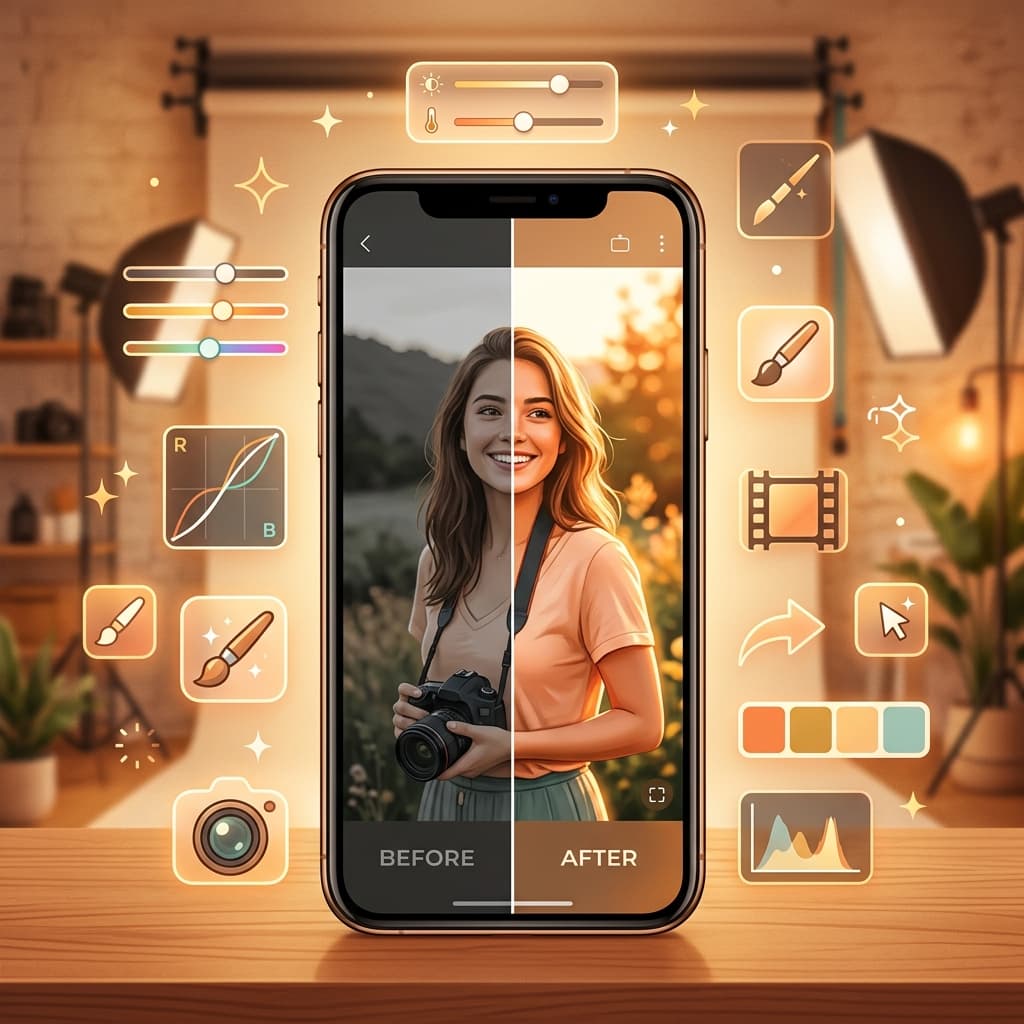
Poket Studio is the professional photo editor built right into Poket PhotoBooth. Transform every PhotoBooth and Polaroid photo into a masterpiece with just a few taps!
What Makes Poket Studio Special?
Unlike generic photo editing apps, Poket Studio is specifically designed for PhotoBooth and Polaroid photos, with filters and tools optimized for these formats.
Key Features:
- 50+ professional filters — From vintage and film grain to modern and pastel
- Advanced editing — Brightness, contrast, saturation, warmth, hue
- Beauty mode — Natural skin smoothing, eye brightening, face sculpting
- Stickers & text — Hundreds of stickers and beautiful fonts
- Batch editing — Apply filters to multiple photos at once
Top 10 Most Popular Filters
1. Kodak Portra — Classic film tone
Warm tone, natural skin colors, subtle film grain. Perfect for portraits and group photos.
2. Tokyo Blue — Cool Japanese tone
Cool blue tones, slightly blue highlights, deep shadows. Great for street and aesthetic photos.
3. Seoul Glow — Korean beauty tone
Bright tone, smooth fair skin, soft highlights. The trending K-beauty style.
4. Vintage 90s — 90s Nostalgia
Heavy grain, warm yellow tone, dark vignette. Feels like shooting with an old film camera.
5. Pastel Dream — Dreamy pastels
Soft pastel colors, slight fade effect. Perfect for couple photos and aesthetics.
6. Golden Hour — Sunset warmth
Warm golden light, subtle lens flare. Like photos taken at sunset.
7. B&W Classic — Classic black and white
High-contrast black and white with film grain. Artistic style.
8. Tropical — Vibrant tropical
Vivid saturated colors, warm tone. Perfect for travel and beach photos.
9. Moody Dark — Dark and moody
Deep shadows, cool tones, strong vignette. Dramatic style.
10. Clean White — Pure and clean
Bright, white, pure tone. Perfect for product shots and minimalist aesthetic.
Pro Photo Editing Tips
1. Light first, color second
Always start with exposure, highlights, shadows. Then adjust color tone and saturation.
2. Don't overdo filters
Apply filters at 60-80% instead of 100%. Photos will look more natural.
3. Grain is your friend
Add subtle grain to PhotoBooth photos for that vintage film feel. Set grain at 15-25%.
4. Warmth creates emotion
Slightly increase warmth by 5-10% for warmer, friendlier photos. Decrease for cool, mysterious vibes.
5. Sharpen last
Always sharpen as the final step, after all other edits. 20-40% sharpening is usually enough.
6. Consistency is key
When editing multiple photos in the same collage or set, use the same preset/filter for visual unity.
Sample Editing Workflow
- Crop & Straighten — Frame and align your photo
- Exposure — Adjust overall brightness
- Highlights & Shadows — Balance light and dark areas
- White Balance — Fix color temperature
- Saturation & Vibrance — Adjust color intensity
- Apply Filter — Choose your favorite filter (60-80%)
- Add Grain — Subtle grain (15-25%)
- Sharpen — Final sharpening
- Stickers & Text — Add decorations
- Export — Save in high quality
Download Poket Studio
Poket Studio is completely free, built into Poket PhotoBooth. Download now to make every photo perfect!
📲 Download Poket for free!
 App Store
 Google Play