
Best Home PhotoBooth Tips & Guide 2026
Complete guide to taking amazing photobooth photos at home with Poket. Tips for posing, frames, filters and sharing your best shots.
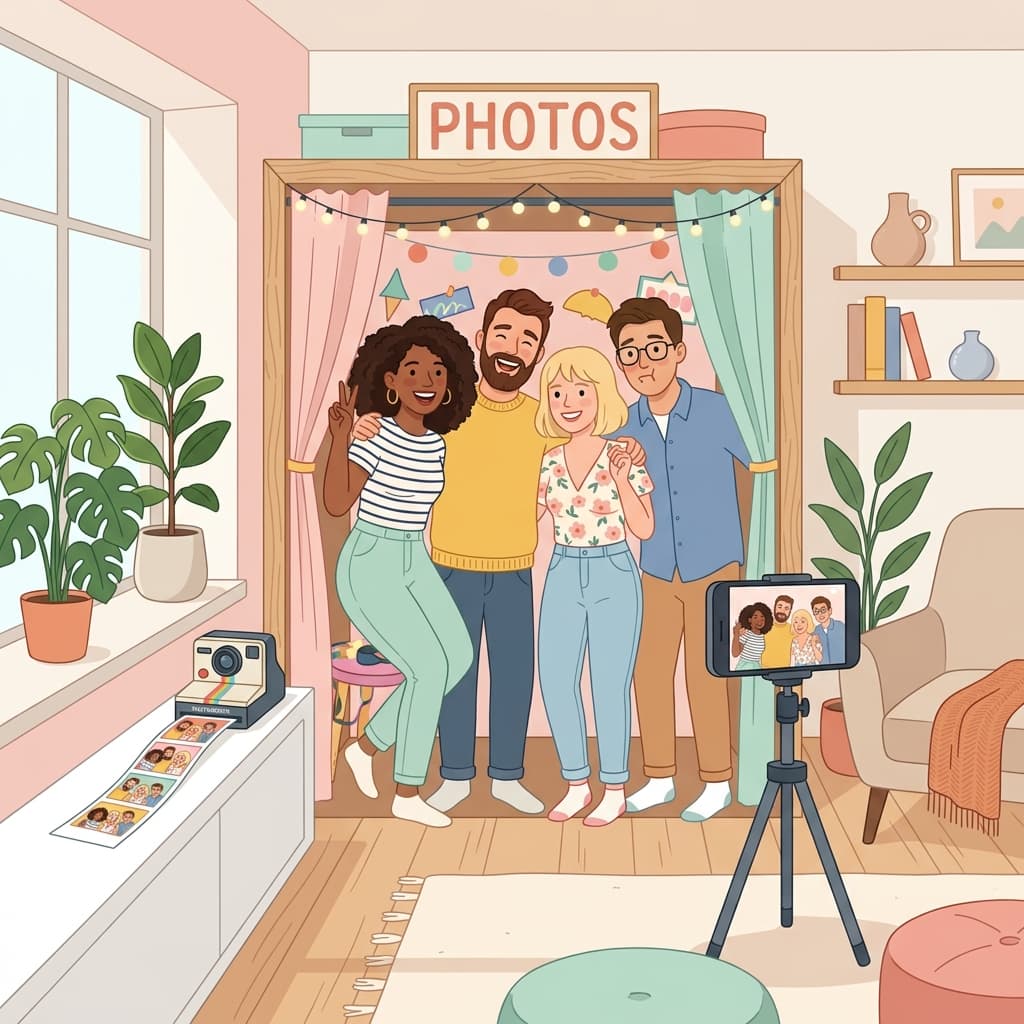
Want stunning PhotoBooth photos without leaving your home? With Poket app, you can turn your phone into a professional PhotoBooth right at home!
Why Take PhotoBooth Photos at Home?
Home photobooth is becoming a trending activity among young people worldwide. No need to wait in line at photo studios — you and your friends can freely create with hundreds of layouts and frames.
Key Benefits:
- Completely free — No rental costs for photo machines
- Convenient — Shoot anytime, anywhere with just your phone
- Diverse frames — Hundreds of photobooth and polaroid templates
- Quick sharing — Send photos to friends via Locket Camera
Step-by-Step Guide
Step 1: Download Poket
Download Poket for free on the App Store or Google Play. The app is lightweight and installs quickly.
Step 2: Choose PhotoBooth Mode
Open Poket and select PhotoBooth mode. You can shoot 2, 3, 4, or 6 photos in a single frame.
Step 3: Pick Your Favorite Frame
Poket offers hundreds of beautiful photobooth frame templates — from vintage and retro to modern and cute styles.
Step 4: Strike a Pose and Shoot
Place your phone in a stable position and use the auto-timer. Pro tip: position your phone at eye level for the best angle!
Step 5: Edit and Share
Add filters, stickers, text, then save or share. Send directly via Locket Camera to friends!
Tips for Amazing PhotoBooth Photos
- Natural lighting — Shoot near windows for the best light
- Simple background — White walls or pastel curtains work great
- Varied expressions — Show a different expression in each shot
- Fun props — Glasses, hats, DIY sign boards
- Group shots — Invite friends to make it more fun!
Download Poket Now
Poket is the most loved home PhotoBooth app with a 4.9-star rating. Download for free today!
📲 Download Poket for free!
 App Store
 Google Play